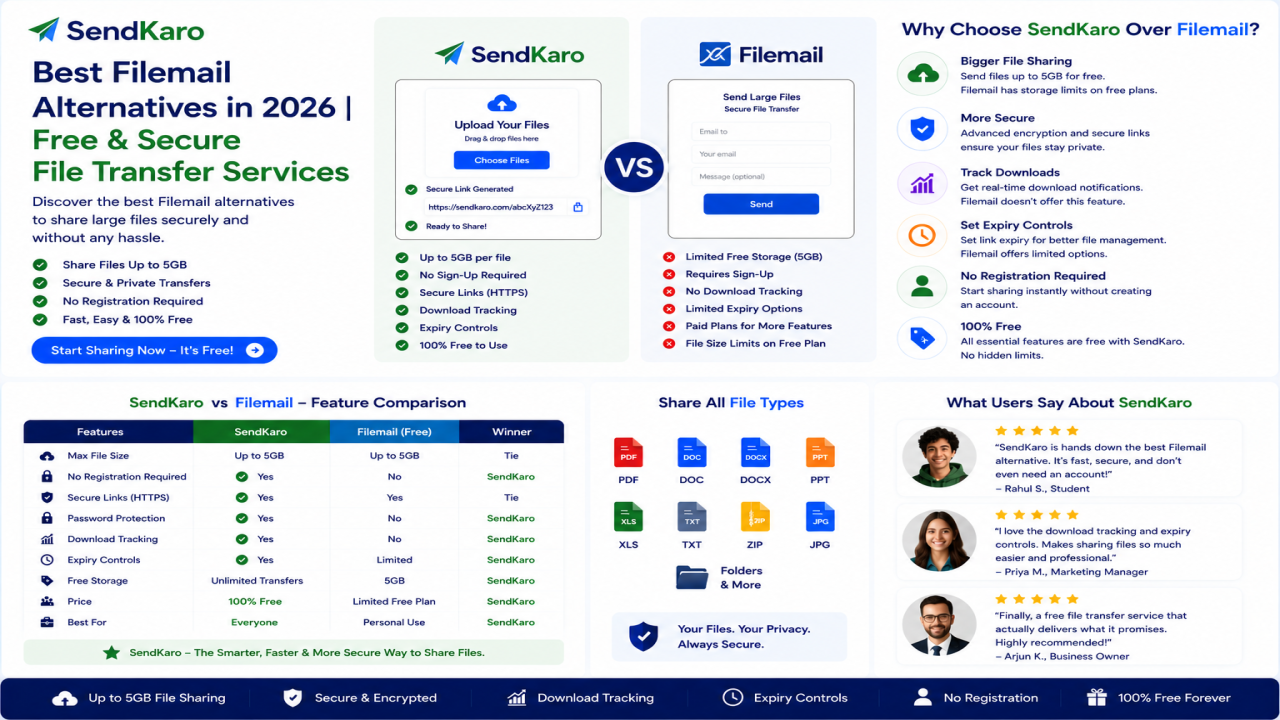

Best Filemail Alternatives in 2026: Free & Secure File Transfer Services
Introduction
Filemail is a well-known file transfer service that helps users send large files through email or secure sharing links. It is widely used by businesses, freelancers, students, and teams that need to transfer documents, project files, and large archives online. Filemail allows users to send files up to 5 GB for free without registration and supports secure file sharing across multiple platforms.
However, not everyone needs the same file-sharing experience.
Some users are looking for simpler workflows, different pricing models, faster transfers, or alternatives that better match their daily file-sharing needs. This is why many people search for Filemail alternatives.
In this guide, we'll explore some of the best Filemail alternatives in 2026 and explain why SendKaro is becoming a practical choice for secure file sharing and file transfers.
What is Filemail?
Filemail is a cloud-based file transfer service designed to help users send large files through email or secure sharing links. The platform supports large file transfers and provides various security features, making it a popular choice for personal and business use.
Advantages of Filemail
Some benefits include:
- Large file transfer capabilities
- Secure file sharing
- Shareable download links
- Cross-platform support
- No registration required for certain transfers
Limitations of Filemail
Despite its strengths, users often look for alternatives because of:
- Different workflow preferences
- Business-specific requirements
- Alternative pricing models
- Simpler sharing experiences
- Different transfer limits
Why Users Look for Filemail Alternatives
Simpler File Sharing
Many users want a straightforward process:
- Upload a file.
- Generate a link.
- Share the link.
- Recipient downloads the file.
The fewer steps involved, the better the experience.
Different Business Needs
Businesses often require efficient ways to share:
- Reports
- Contracts
- Documentation
- Financial spreadsheets
- Client deliverables
Large File Transfers
Creative professionals, agencies, and consultants frequently transfer large project files and archives. This often leads them to compare multiple file-transfer services.
Security Expectations
Organizations sharing important information need secure transfer methods and reliable file-delivery workflows.
Cost Considerations
Some users compare alternatives based on pricing, transfer limits, and feature availability.
Best Filemail Alternatives in 2026
SendKaro
SendKaro is a file-sharing platform designed specifically for secure file transfers.
Unlike cloud storage platforms, SendKaro focuses on helping users send files online quickly and efficiently.
The platform currently supports:
- ZIP files
- JPG/JPEG files
- PDF files
- Excel files (XLS/XLSX)
Users choose SendKaro because it offers:
- Secure file sharing
- Simple workflow
- Fast transfers
- Easy sharing links
- Beginner-friendly experience
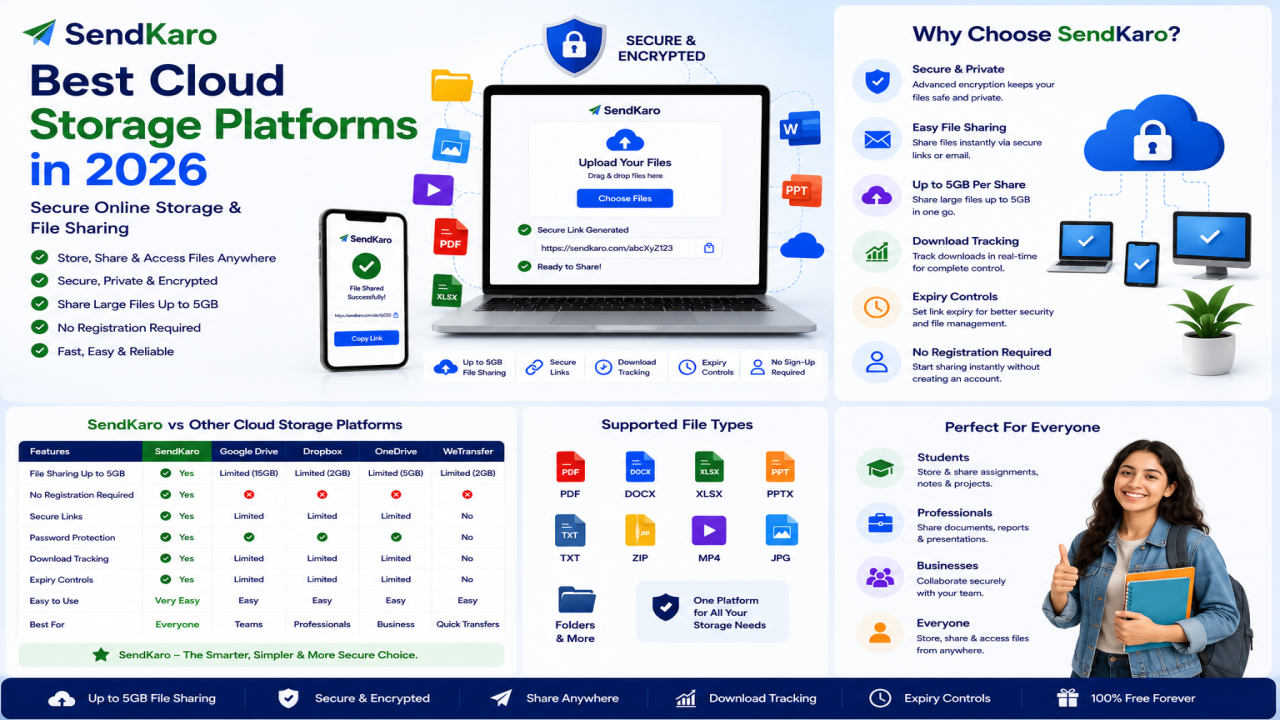
WeTransfer
WeTransfer remains one of the most popular file-sharing platforms available today and is commonly compared with Filemail. It focuses on simple file transfers through shareable links.
Dropbox
Dropbox combines cloud storage, synchronization, and file sharing in a single platform. It is frequently recommended as a Filemail alternative for users who also need storage capabilities.
Google Drive
Google Drive offers cloud storage, document collaboration, and file sharing through Google's ecosystem. It remains a popular alternative among businesses and students.
Microsoft OneDrive
OneDrive integrates with Microsoft 365 and is commonly used by businesses and professionals who work within Microsoft's productivity ecosystem.
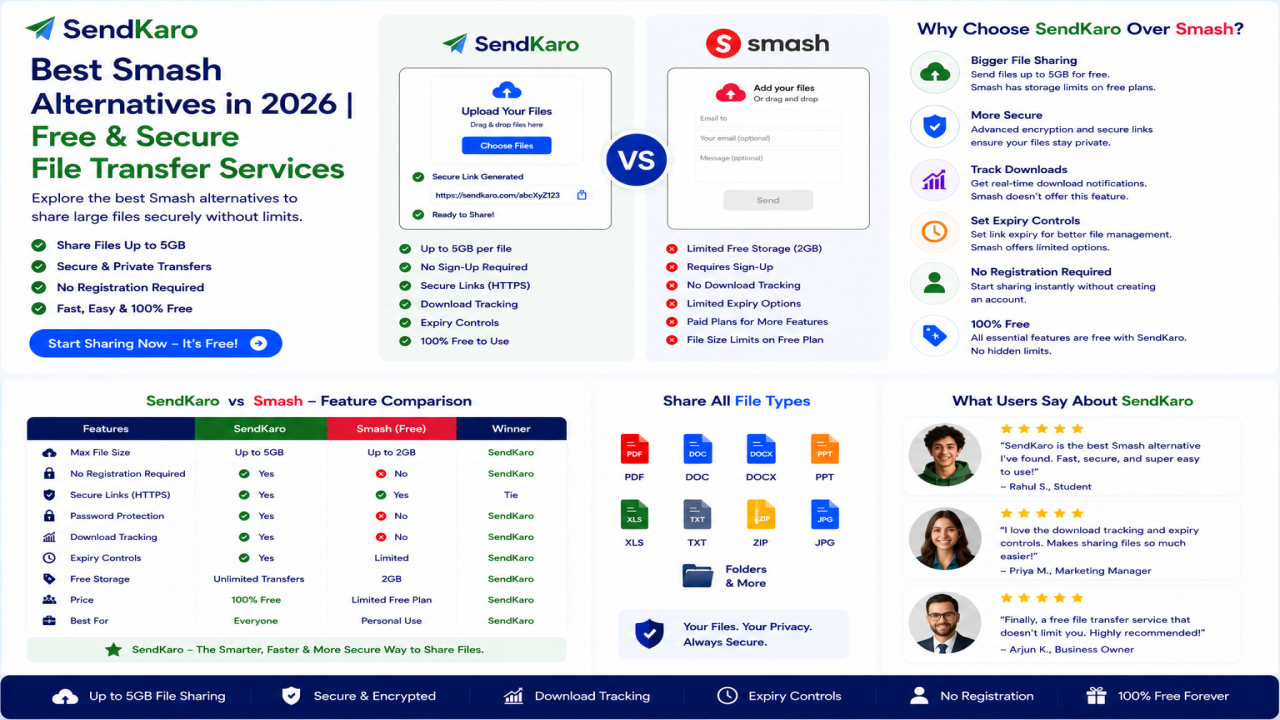
Smash
Smash is another dedicated file-transfer service frequently compared with Filemail and WeTransfer. It is often recommended for transferring large files.
TransferNow
TransferNow focuses on secure large-file transfers and provides various sharing options for individuals and businesses.
Why SendKaro is Different
Many alternatives focus on cloud storage, synchronization, or collaboration.
SendKaro focuses on file sharing.
Instead of managing folders, storage plans, permissions, and synchronization settings, users can simply upload a file and share it.
This makes SendKaro particularly useful for:
- Students
- Freelancers
- Businesses
- Agencies
- Consultants
- Remote teams
Supported File Types
SendKaro currently supports:
ZIP Files
Perfect for project archives and sharing multiple files together.
JPG/JPEG Files
Ideal for photographers, designers, and content creators.
PDF Files
Useful for reports, contracts, research papers, and documentation.
Excel Files (XLS/XLSX)
Great for financial reports, project tracking, and business analysis.
ZIP-Based Multi-File Sharing
Need to share multiple files?
Compress them into a ZIP archive before uploading.
Benefits include:
- Better organization
- Easier downloads
- Simpler file management
- Single-link sharing
This approach is particularly useful for project submissions, client deliverables, and business documentation.
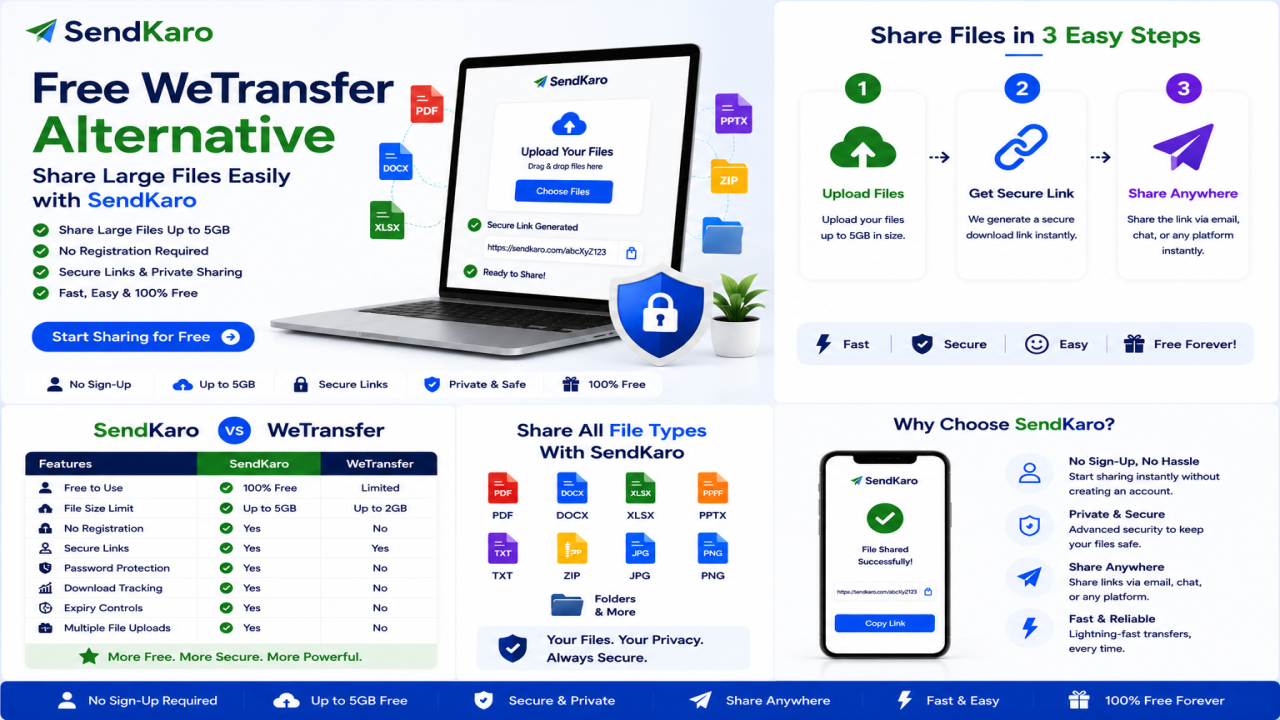
How SendKaro Works
Step 1
Choose your ZIP, JPG, PDF, or Excel file.
Step 2
Upload the file.
Step 3
Generate a sharing link.
Step 4
Send the link.
Step 5
The recipient downloads the file.
The process is designed to be simple and beginner-friendly.
Who Should Use SendKaro?
Students
Perfect for:
- Assignments
- Research papers
- PDF submissions
- Excel projects
Freelancers
Ideal for:
- Project handovers
- ZIP project packages
- Reports
- Invoices
Businesses
Useful for:
- Client deliverables
- Contracts
- Documentation
- Financial reports
Agencies
Great for:
- Campaign reports
- Client assets
- Shared resources
Consultants
Transfer reports, spreadsheets, and business documentation securely.
Remote Teams
Exchange files quickly across distributed teams.
Frequently Asked Questions
What is the best Filemail alternative in 2026?
Popular alternatives include SendKaro, WeTransfer, Dropbox, Google Drive, OneDrive, Smash, and TransferNow. The best choice depends on whether you need cloud storage or simple file sharing.
Is SendKaro cloud storage?
No. SendKaro is a file-sharing and file-transfer platform rather than a cloud storage service.
What file types does SendKaro support?
SendKaro currently supports ZIP files, JPG/JPEG files, PDF files, and Excel files (XLS/XLSX).
Can I upload multiple files?
Yes. If you need to share multiple files, compress them into a ZIP archive before uploading.
Is SendKaro secure?
Yes. Secure transfer methods and controlled sharing links help protect file transfers.
Can businesses use SendKaro?
Absolutely. Businesses can use SendKaro for reports, contracts, documentation, and client deliverables.
Can students use SendKaro?
Yes. Students can use SendKaro for assignments, PDF reports, research papers, and Excel projects.
Conclusion
Filemail remains a trusted file-transfer service, but it is no longer the only option available. Users now have access to many alternatives that offer different workflows, transfer capabilities, and sharing experiences.
For users focused on simple and secure file sharing, SendKaro provides a practical solution.
With support for ZIP files, JPG/JPEG images, PDF documents, and Excel spreadsheets (XLS/XLSX), SendKaro helps students, freelancers, businesses, consultants, agencies, and remote teams share files quickly and efficiently.
If you're looking for a reliable Filemail alternative in 2026, SendKaro is worth considering.

Comments (0)