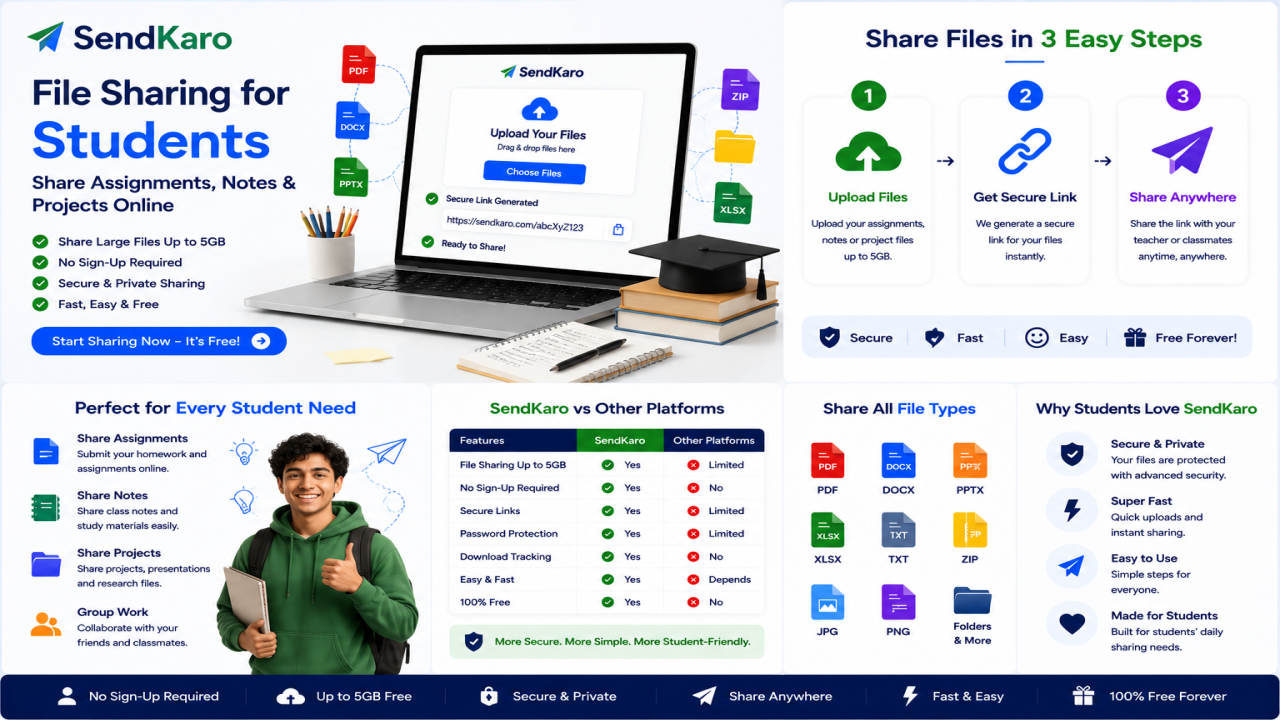

File Sharing for Students | Share Assignments, Notes & Projects Online
Introduction
Students today rely heavily on digital files for learning, collaboration, and project work. From PDF assignments and research papers to Excel projects and study notes, file sharing has become an essential part of academic life.
However, sharing files isn't always as simple as it should be.
Email attachment limits, complicated storage platforms, and confusing sharing permissions can make it difficult to send academic files quickly. When deadlines are approaching, students need a fast and reliable way to share documents without unnecessary hassle.
This is where SendKaro can help.
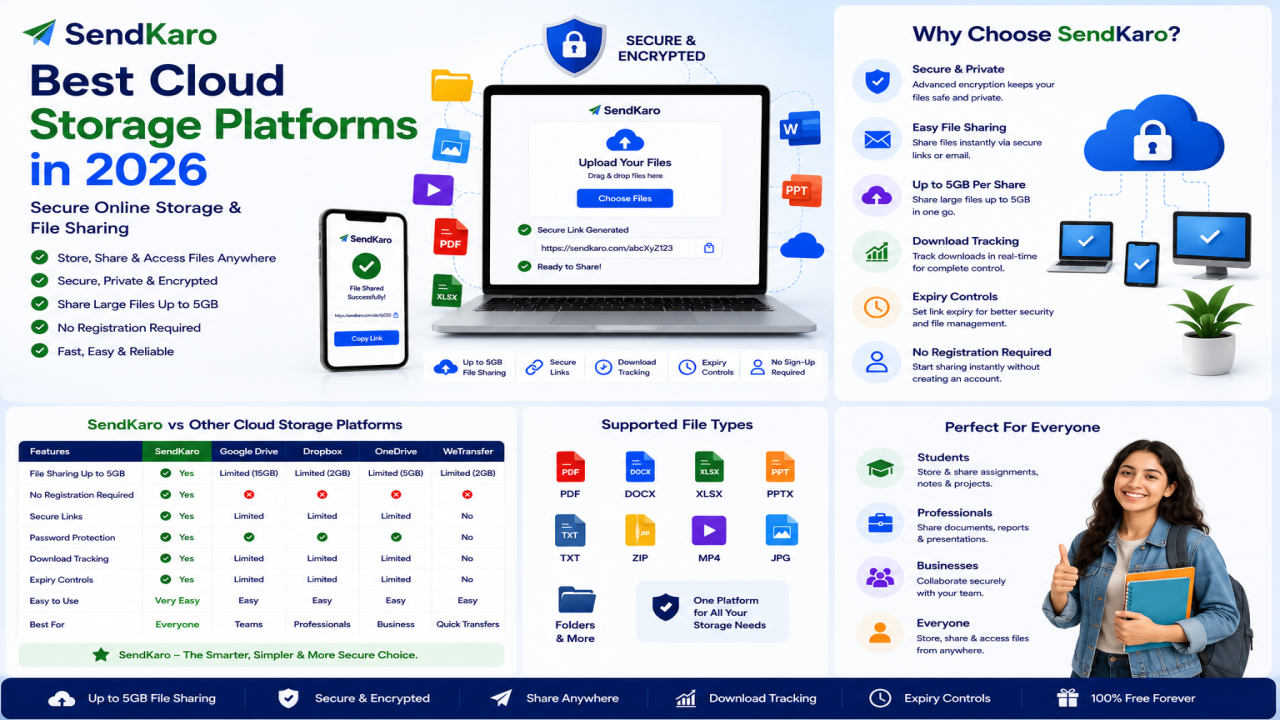
SendKaro is a file-sharing platform designed to make file transfers simple and secure. Whether you're sending assignments to a professor, sharing class notes with friends, collaborating on group projects, or transferring research documents, SendKaro provides an easy way to share files online.
Why Students Need File Sharing Platforms
Modern education depends on digital collaboration.
Students frequently share:
-
Assignments
-
Research papers
-
Class notes
-
Project files
-
Presentation materials
-
Excel spreadsheets
-
Study resources
A reliable file-sharing platform helps students stay organized and work more efficiently.
Avoid Email Attachment Limits
Many email providers limit attachment sizes.
Large project files, research documents, and ZIP archives may exceed those limits.
File-sharing platforms provide a more convenient solution.
Faster Collaboration
Group assignments often require students to exchange files regularly.
A simple sharing link makes collaboration much easier.
Easy Access Across Devices
Students use multiple devices every day, including:
-
Laptops
-
Desktop computers
-
Tablets
-
Smartphones
Being able to share files across devices improves productivity.
Better Organization
A dedicated file-sharing platform helps students transfer documents without cluttering email inboxes.
Common Challenges Students Face When Sharing Files
Large File Sizes
Project files often become too large for email attachments.
This is especially common when multiple documents need to be shared together.
Complex Sharing Settings
Some platforms require users to manage permissions, folder access, and account settings.
For students, this can create unnecessary confusion.
Last-Minute Deadlines
Students frequently need to submit assignments shortly before deadlines.
Complicated sharing processes can create delays.
Group Project Coordination
When several students work together, efficient file sharing becomes essential.
Quick access to project documents helps everyone stay on track.
How SendKaro Helps Students Share Files Online
SendKaro is designed to simplify file sharing.
Instead of requiring complicated setup processes, the platform focuses on helping users transfer files quickly and efficiently.
The platform currently supports:
-
ZIP files
-
JPG/JPEG files
-
PDF files
-
Excel files (XLS/XLSX)
These file types cover many common academic requirements.
Share Assignments Online
Assignments are one of the most frequently shared files in education.
Students can use SendKaro to share:
-
Homework submissions
-
Coursework documents
-
PDF assignments
-
Research projects
-
Academic reports
The simple sharing process helps ensure files reach recipients quickly.
Share Notes with Classmates
Class notes are valuable learning resources.
Students often share:
-
Lecture summaries
-
Study notes
-
Revision materials
-
Research references
SendKaro makes it easy to distribute notes through secure sharing links.
Share Student Projects
Academic projects often involve multiple files.
Examples include:
-
Research documentation
-
Project reports
-
Excel spreadsheets
-
Presentation resources
-
Image collections
Students can upload files and share them with team members efficiently.
Share Research Papers and Reports
Research projects require frequent document sharing.
Whether you're working individually or as part of a team, SendKaro helps simplify the transfer of academic documents.
PDF reports and research papers can be shared quickly through a single link.
Share Excel Projects
Many academic programs require spreadsheet-based assignments.
Students can use SendKaro to transfer:
-
Financial analysis projects
-
Data reports
-
Budget spreadsheets
-
Research datasets
Excel files (XLS/XLSX) can be shared easily with professors and classmates.
ZIP-Based Multi-File Sharing for Students
Need to share multiple files?
Compress them into a ZIP archive before uploading.
This approach offers several benefits:
-
Keeps files organized
-
Simplifies sharing
-
Reduces clutter
-
Makes downloading easier
For example, if a group project contains a report, spreadsheet, and images, students can combine everything into a single ZIP file before uploading.
How to Create a ZIP File
Windows
-
Select your files.
-
Right-click.
-
Choose Compress to ZIP File.
Mac
-
Select your files.
-
Right-click.
-
Choose Compress.
Upload the ZIP file to SendKaro and share it using a single link.
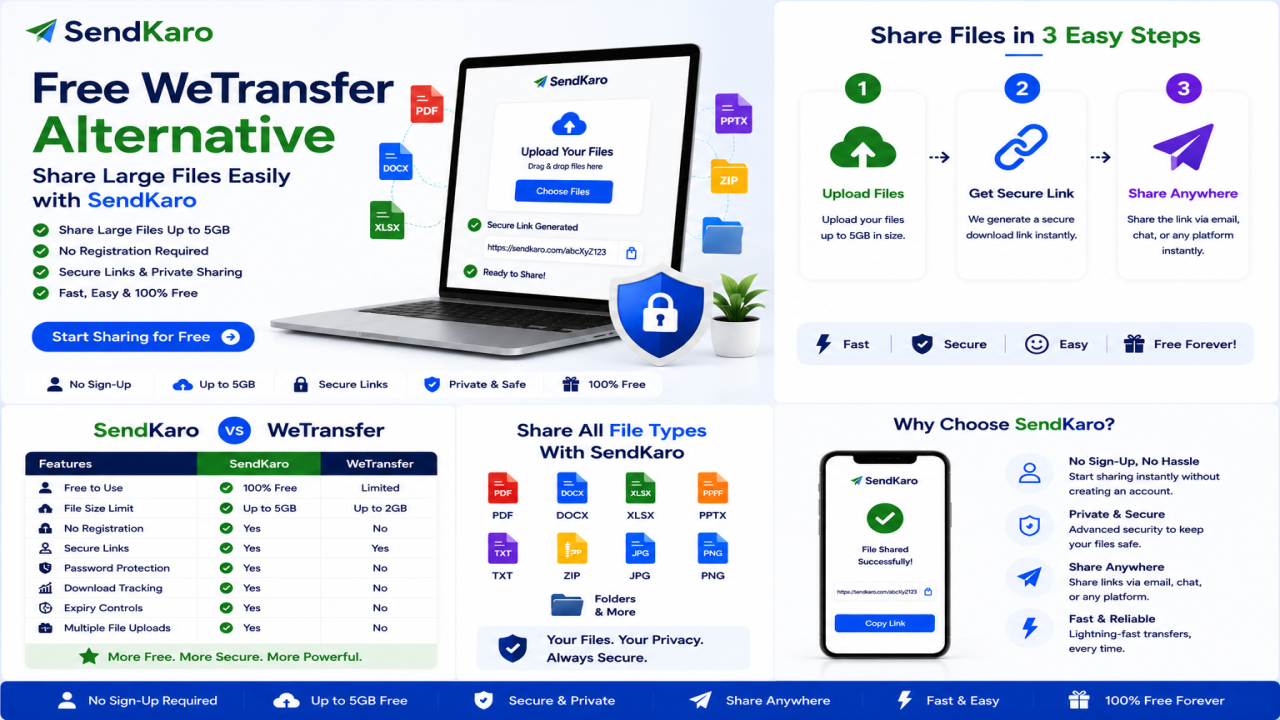
How SendKaro Works
Step 1: Select Your File
Choose one of the supported file types:
-
ZIP file
-
JPG/JPEG image
-
PDF document
-
Excel spreadsheet (XLS/XLSX)
Step 2: Upload the File
Upload your file securely through SendKaro.
Step 3: Generate a Sharing Link
Create a download link for your file.
Step 4: Share the Link
Send the link through email, messaging apps, or student collaboration platforms.
Step 5: Recipient Downloads the File
The recipient clicks the link and downloads the file.
The process is simple and beginner-friendly.
Benefits of Using SendKaro for Students
Simple Workflow
Students can upload and share files in just a few steps.
Fast File Sharing
Files can be transferred quickly without unnecessary delays.
Secure File Transfers
Secure sharing methods help protect academic documents.
Easy Collaboration
Group members can exchange project files efficiently.
Cross-Device Accessibility
Access SendKaro from:
-
Laptops
-
Smartphones
-
Tablets
-
Desktop computers
No Technical Knowledge Required
Students can start sharing files immediately without training or complex setup.
Who Can Benefit from Student File Sharing?
School Students
Useful for:
-
Homework
-
Class assignments
-
Study notes
College Students
Perfect for:
-
Research papers
-
Project submissions
-
Presentation materials
University Students
Helpful for:
-
Thesis documents
-
Academic reports
-
Group projects
-
Data analysis spreadsheets
Student Teams
Ideal for:
-
Collaborative projects
-
Shared research
-
Team assignments
Frequently Asked Questions
What is file sharing for students?
File sharing for students allows academic documents and project files to be transferred digitally between classmates, professors, and project teams.
Can students use SendKaro?
Yes. SendKaro is suitable for assignments, notes, research papers, PDF reports, and Excel projects.
What file types does SendKaro support?
SendKaro currently supports ZIP files, JPG/JPEG files, PDF files, and Excel files (XLS/XLSX).
Can I share multiple files?
Yes. If you need to share multiple files, compress them into a ZIP archive before uploading.
How do I create a ZIP file?
Select your files, right-click, and choose Compress or ZIP on your device.
Is SendKaro secure?
Yes. Secure transfer methods and controlled sharing links help protect file transfers.
Can I share assignments online?
Absolutely. Students can use SendKaro to share assignments, reports, and coursework documents.
Can I share notes with classmates?
Yes. Class notes, study guides, and revision materials can be shared easily.
Can I share Excel projects?
Yes. SendKaro supports Excel files in XLS and XLSX formats.
Why should students use SendKaro?
Students choose SendKaro because it offers simple, secure, and efficient file sharing without unnecessary complexity.
Conclusion
File sharing has become a vital part of modern education.
Students regularly exchange assignments, notes, research papers, project files, PDF documents, and Excel spreadsheets. Having a reliable file-sharing platform can make academic collaboration much easier.
SendKaro provides a simple solution for sharing files online.
With support for ZIP files, JPG/JPEG images, PDF documents, and Excel spreadsheets (XLS/XLSX), SendKaro helps students share academic files quickly and securely.
Whether you're submitting assignments, collaborating on group projects, or sharing study materials with classmates, SendKaro makes file sharing simple and efficient.

Comments (0)