
Send Files Without Registration – Fast & Free File Sharing with SendKaro
Introduction
Sharing files online should be simple.
Unfortunately, many file-sharing platforms require users to create accounts, verify email addresses, complete registration forms, and navigate complex dashboards before they can send a file. This extra friction can waste valuable time, especially when you need to share a document quickly.
Whether you're sending a PDF report to a client, an Excel spreadsheet to a colleague, a ZIP archive containing project files, or a collection of JPG images, you want the process to be fast and straightforward.
This is why many users search for ways to send files without registration.
SendKaro provides a simple solution. As a dedicated file-sharing platform, it allows users to upload files, generate sharing links, and send files online without unnecessary complexity.
If you're looking for a fast and free way to share files, SendKaro offers a practical and user-friendly experience.
Why People Want to Send Files Without Registration
Not everyone wants to create an account every time they use a file-sharing service.
Many users simply need a quick way to transfer files.
Common reasons include:
-
Saving time
-
Avoiding lengthy signup processes
-
Sharing files instantly
-
Reducing unnecessary steps
-
Simplifying collaboration
When the goal is simply sending a file, registration requirements can become a barrier rather than a benefit.
Common Challenges with Traditional File Sharing Platforms
Account Creation Requirements
Many platforms require users to:
-
Create an account
-
Verify their email address
-
Configure profile settings
-
Complete registration forms
This process can delay file sharing unnecessarily.
Complex Interfaces
Some services combine storage, collaboration, synchronization, and document management into a single platform.
While useful for certain users, these features can feel overwhelming for people who simply need to send a file.
Slow Workflows
The more steps involved in the sharing process, the longer it takes to complete a transfer.
Most users prefer a simple workflow that allows them to upload and share files within minutes.
Access Issues
Recipients may sometimes encounter additional steps before downloading files.
A straightforward download experience improves usability and saves time.
The Benefits of Sending Files Without Registration
Faster Sharing
Users can start transferring files immediately without creating accounts.
Better User Experience
A simple workflow helps reduce frustration and improve efficiency.
Easier Collaboration
Quick sharing makes it easier to work with clients, colleagues, classmates, and partners.
More Convenient for Occasional Users
Many people only need file-sharing services occasionally.
For these users, account creation may not be necessary.
Reduced Administrative Work
Less setup means more focus on getting work done.
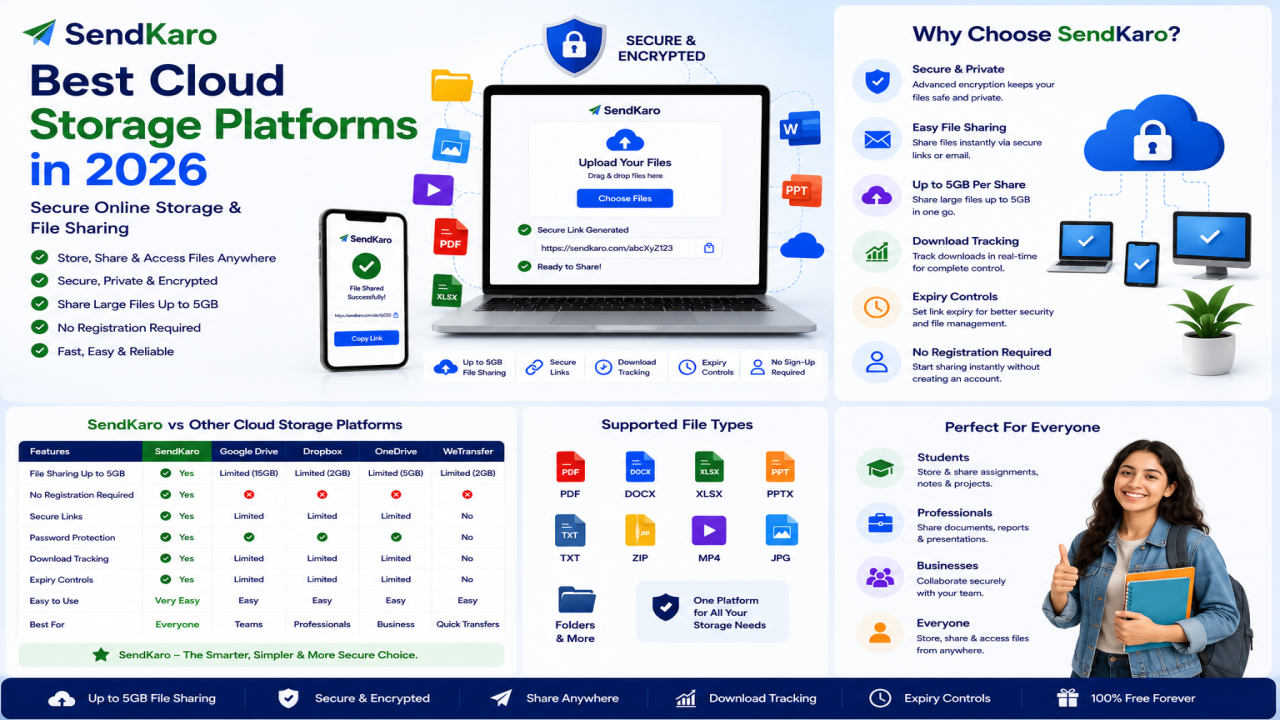
Fast & Free File Sharing with SendKaro
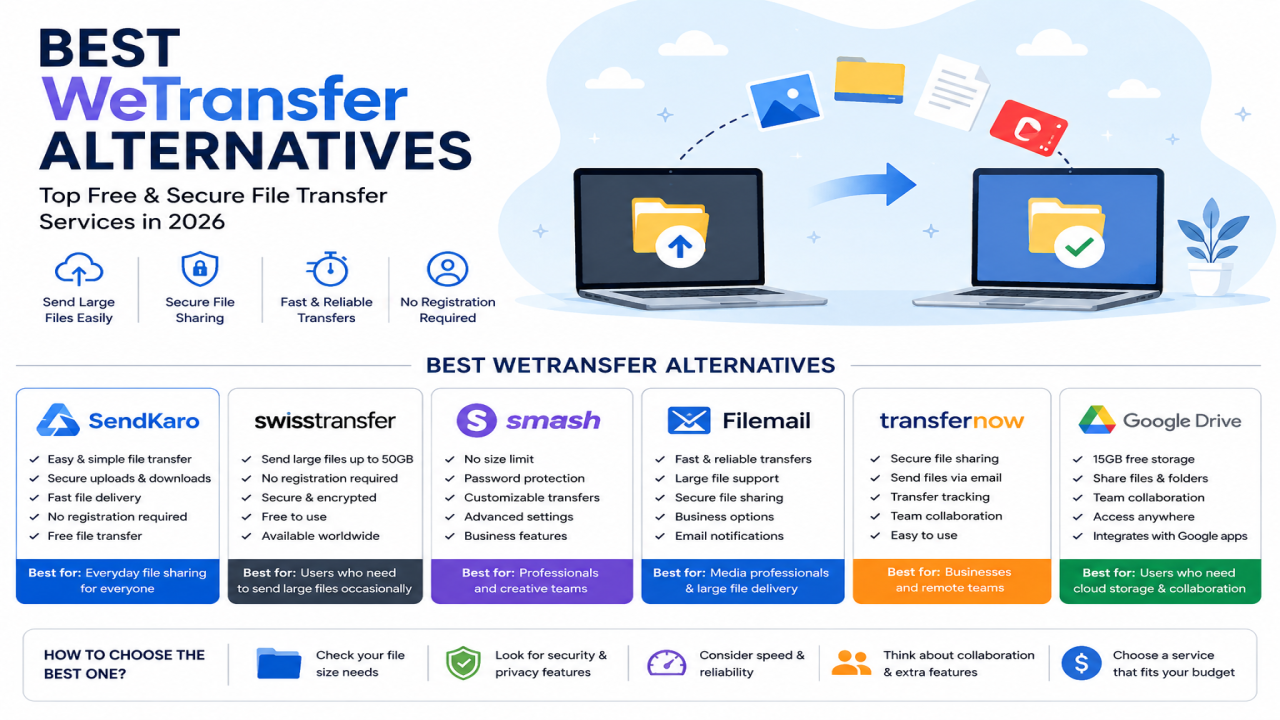
SendKaro is a file-sharing platform designed for users who want a simple way to transfer files online.
Instead of focusing on cloud storage or file synchronization, SendKaro focuses on secure and efficient file delivery.
The platform currently supports:
-
ZIP files
-
JPG/JPEG files
-
PDF files
-
Excel files (XLS/XLSX)
This makes it suitable for a wide range of personal, educational, and professional use cases.
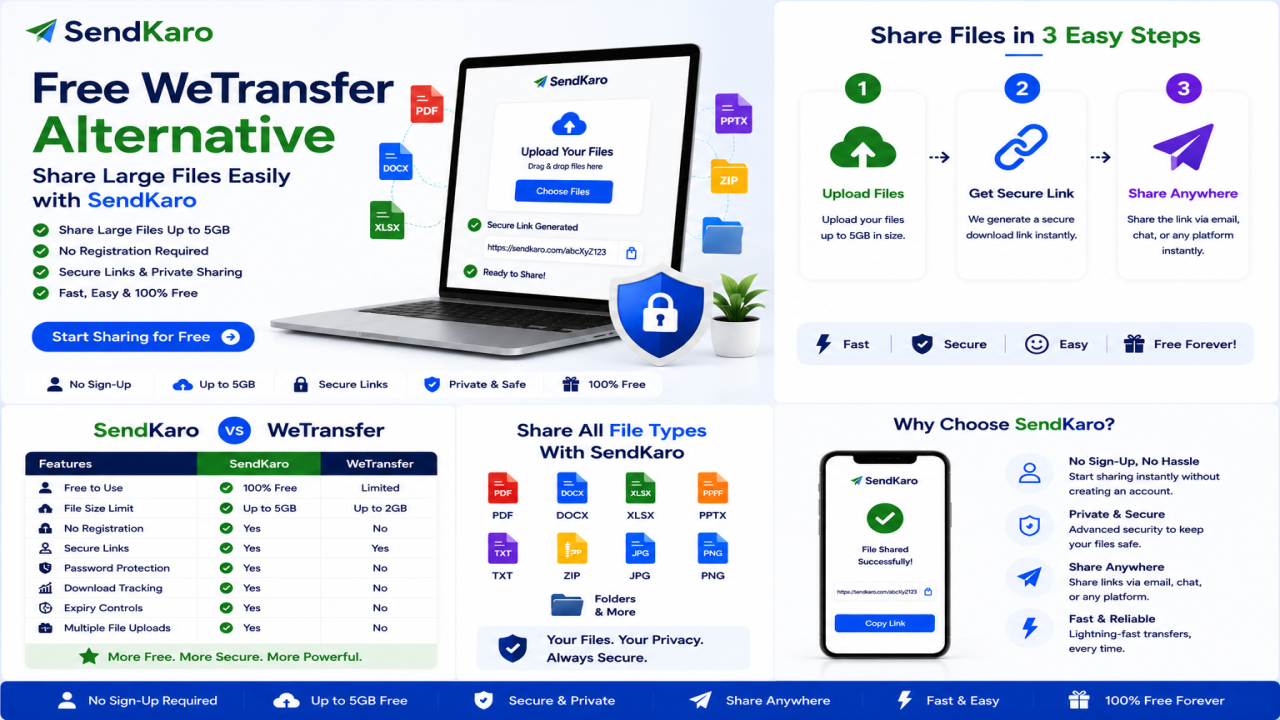
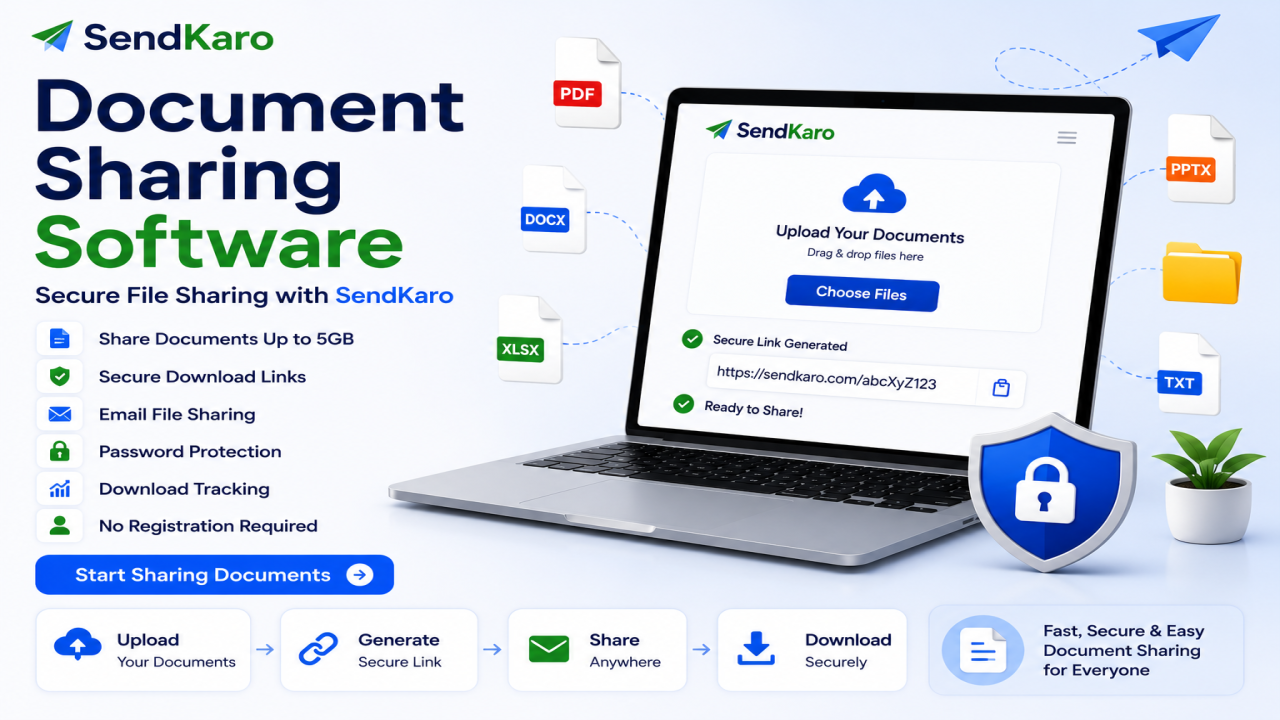
How SendKaro Works
Using SendKaro is simple.
Step 1: Choose Your File
Select one of the supported file types:
-
ZIP file
-
JPG/JPEG image
-
PDF document
-
Excel spreadsheet (XLS/XLSX)
Step 2: Upload the File
Upload your file securely through the platform.
Step 3: Generate a Sharing Link
Create a shareable download link.
Step 4: Send the Link
Share the link through email, messaging apps, social media, or collaboration tools.
Step 5: Recipient Downloads the File
The recipient clicks the link and downloads the file.
The process is designed to be fast and straightforward.
Why Users Choose SendKaro
Users choose SendKaro because it focuses on simplicity and efficiency.
Common use cases include:
-
Sharing business reports
-
Sending contracts
-
Delivering project files
-
Submitting assignments
-
Sharing research papers
-
Exchanging spreadsheets
-
Distributing documentation
The platform helps users complete transfers quickly without unnecessary complexity.
Supported File Types
SendKaro currently supports:
ZIP Files
Perfect for project archives and sharing multiple files together.
JPG/JPEG Images
Ideal for photographers, designers, and content creators.
PDF Documents
Great for reports, contracts, research papers, and documentation.
Excel Files (XLS/XLSX)
Useful for financial reports, business data, and project tracking.
ZIP-Based Multi-File Sharing
Need to share multiple files?
The easiest solution is to compress them into a ZIP archive before uploading.
Benefits of ZIP archives include:
-
Better organization
-
Easier downloads
-
Single-file delivery
-
Simplified file management
To create a ZIP file:
Windows
-
Select your files.
-
Right-click.
-
Choose Compress to ZIP File.
Mac
-
Select your files.
-
Right-click.
-
Choose Compress.
Once created, upload the ZIP file to SendKaro and share it through a single link.
Secure File Sharing
Security remains an important part of file sharing.
SendKaro uses secure transfer methods and controlled sharing links to help users share files confidently.
Whether you're sending contracts, reports, project documentation, or spreadsheets, secure delivery helps protect your information.
Who Should Use SendKaro?
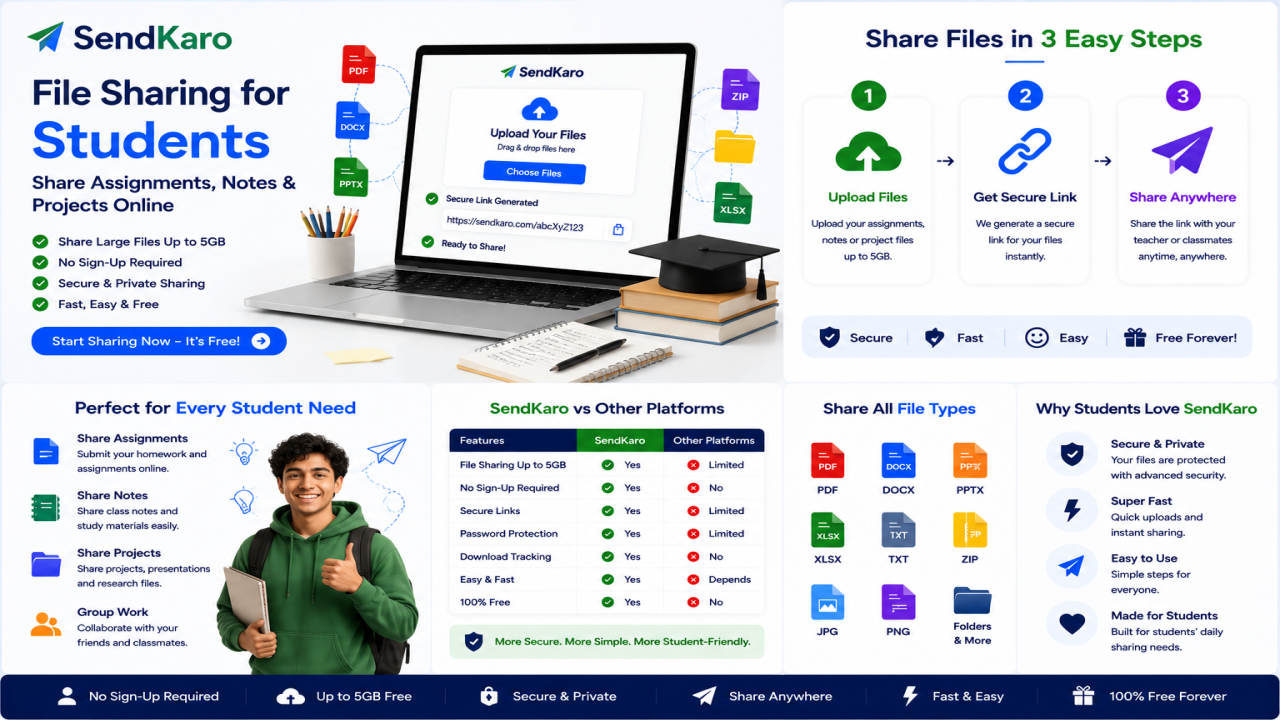
Students
Perfect for:
-
Assignments
-
Research papers
-
PDF submissions
-
Excel projects
Freelancers
Useful for:
-
Project handovers
-
ZIP project packages
-
Invoices
-
Reports
Businesses
Ideal for:
-
Client deliverables
-
Internal documentation
-
Financial reports
-
Contracts
Agencies
Great for:
-
Campaign reports
-
Client assets
-
Performance reports
Photographers
Share JPG image collections and portfolio materials efficiently.
Consultants
Transfer reports, spreadsheets, and business documents securely.
Remote Teams
Exchange important files quickly across distributed teams.
Advantages of SendKaro
Users choose SendKaro because it offers:
-
Fast file sharing
-
Secure transfers
-
Easy onboarding
-
Simple workflow
-
Convenient sharing links
-
Cross-device accessibility
-
Better experience for occasional users
For users focused on file delivery rather than storage management, these benefits can be significant.
Frequently Asked Questions
Can I send files without registration?
Yes. Many modern file-sharing platforms allow users to upload files and share links without lengthy registration processes.
Is SendKaro free to use?
SendKaro provides file-sharing solutions designed to simplify online file transfers.
What file types does SendKaro support?
SendKaro currently supports ZIP files, JPG/JPEG files, PDF files, and Excel files (XLS/XLSX).
Is SendKaro cloud storage?
No. SendKaro is a file-sharing and file-transfer platform rather than a cloud storage service.
Can I upload multiple files?
Yes. If you need to share multiple files, compress them into a ZIP archive before uploading.
How do I create a ZIP file?
Select your files, right-click, and choose Compress or ZIP on your device.
Is SendKaro secure?
Yes. Secure transfer methods and controlled sharing links help protect file transfers.
Can businesses use SendKaro?
Absolutely. Businesses can use SendKaro for reports, documentation, contracts, and client deliverables.
Can students use SendKaro?
Yes. Students can share assignments, PDF reports, research papers, and Excel projects.
Why choose SendKaro?
SendKaro focuses on fast, secure, and straightforward file sharing without unnecessary complexity.
Conclusion
If you're looking for a way to send files without registration, simplicity matters.
Most users don't need complicated storage platforms or advanced collaboration systems. They simply need a reliable way to transfer files quickly and securely.
SendKaro provides exactly that.
With support for ZIP files, JPG/JPEG images, PDF documents, and Excel spreadsheets (XLS/XLSX), SendKaro makes file sharing fast, secure, and convenient for students, freelancers, businesses, agencies, consultants, photographers, and remote teams.
Visit SendKaro.com today and experience a faster way to share files online.
Comments (0)